A reliable and familiar operating system
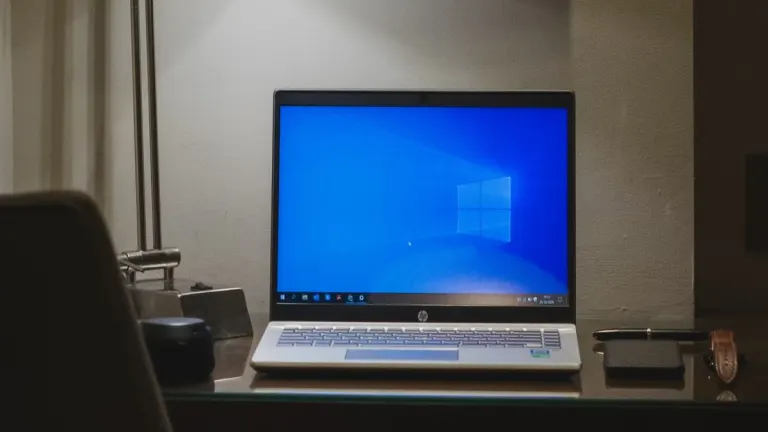
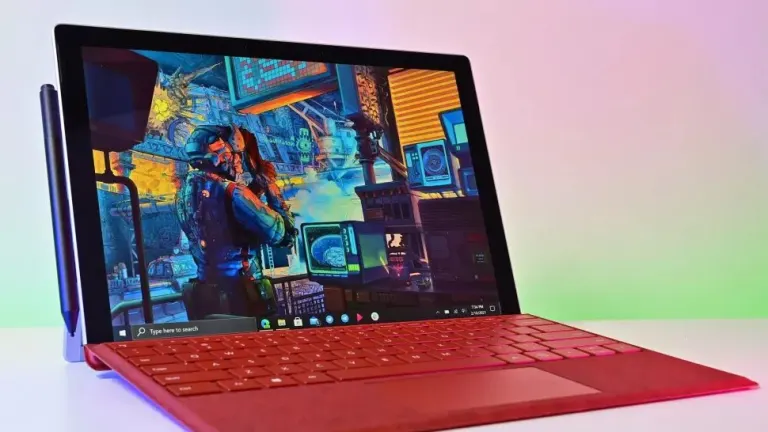
When it launched in 2015, Windows 10 wasn't just a new operating system; it was a promise. Microsoft aimed to unify the PC, tablet, and mobile experience with a single, versatile platform. Known for striking a balance between old and new, the OS has been a reliable companion for work, school, and entertainment.
A range of built-in features
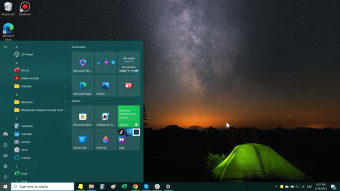
Beyond its foundational design, Windows 10 includes a suite of practical tools that simplify everyday tasks. You can manage your documents and pictures with the Photos app, perform quick calculations with the Calculator, and browse the web with Microsoft Edge, a modern browser built on the Chromium engine for speed and compatibility. Its familiar Start Menu and dynamic Live Tiles give you immediate access to your most-used apps and information, while the Action Center neatly organizes notifications and quick settings in one convenient place.
It's important to understand, however, that while Windows 10 provides a platform for Microsoft's broader ecosystem, it does not come with seamless, pre-configured integration with services like Microsoft 365. Access to essential tools like Word, Excel, and PowerPoint requires a separate license, and deep syncing and advanced features are reliant on a user's subscription and account login rather than being a default part of the operating system itself.
Performance and device flexibility
Windows 10's core architecture was built for adaptability. Whether you're on a traditional desktop, a lightweight laptop, or a touch-enabled tablet, the operating system fluidly adjusts to your hardware, maintaining a consistent user experience. For multitasking power users, the Timeline and Clipboard History features are invaluable. Timeline allows you to scroll back through your activity to easily find a document or web page you were working on days ago, while Clipboard History lets you paste from a list of recently copied items. Furthermore, the Task Manager provides a comprehensive look at your system's performance, allowing you to monitor CPU, memory, disk, and GPU usage in real time, giving you the power to manage your resources effectively.
Security at the forefront
Windows 10 prioritizes user security through multiple layers of protection. With Windows Hello, biometric login options such as facial recognition and fingerprint scanning make sign-ins faster and more secure. Additional measures within Security Settings help safeguard files and defend against unauthorized access. Microsoft continues to roll out security updates until the official end-of-support date, reinforcing the operating system’s reliability.
Looking ahead
While its reign is nearing its end, Windows 10 will remain functional after October 14, 2025. It will not, however, receive critical security patches or new feature updates unless you opt into a paid Extended Security Updates (ESU) program. For now, it remains a capable and versatile operating system, a testament to its decade-long run as a reliable platform for a diverse range of users.













.png)